
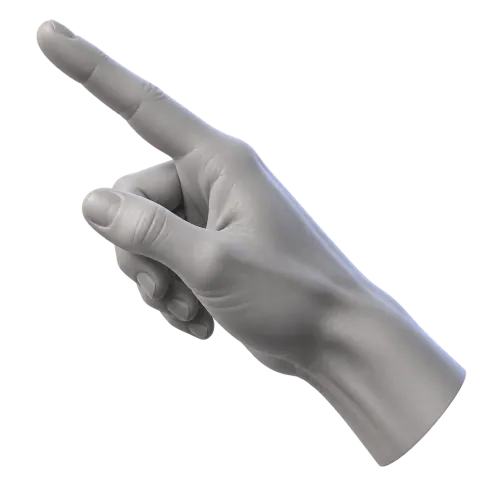

Wrist & move
Move your right wrist to steer the pointer by default.
 AirClick
Camera-powered control for macOS
Any camera. Any screen. Your hand controls it—privately on your Mac.
License required to use AirClick.
A tiny playground for pointing, clicking and dragging. Nothing to install, and your camera stays private.
Guided hand calibration in the app tunes your cursor to your movement. Guided hand sweeps set speed and steadiness; then your gestures work across your desktop. This browser preview uses a separate, on-device tracker and controls only the playground.
Open the playground on its ownA familiar spatial vocabulary
Right hand steers. Left hand clicks. Swap hands, use one hand, or customize actions per app.
Move your right wrist to steer the pointer by default.
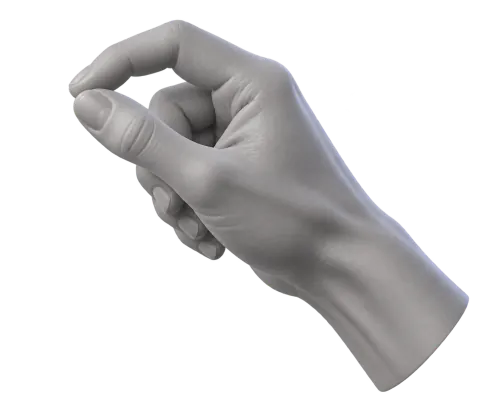
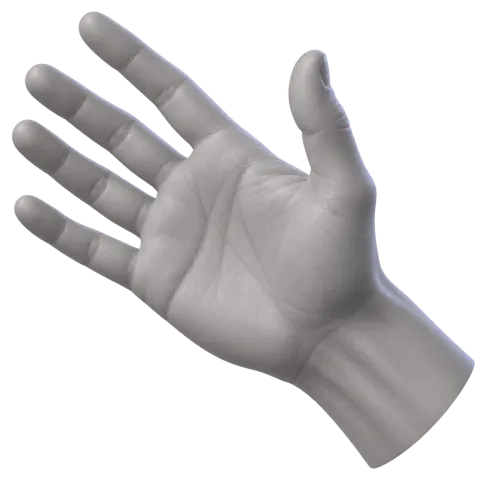
Close and open your left hand to click. Hold it closed while your right hand drags.
Choose single-hand finger control to point, pinch, and drag with one hand.
Move two fingers on your pointer hand to scroll.
Pinch both hands, then move them apart or together.
Open Codex voice with microphone listening enabled.
Privacy, by architecture
The Mac app analyzes camera frames on-device with Apple Vision. AirClick does not upload, record, or retain video. Calibration stays on your Mac.
One payment. Yours for life.
PERSONAL
One payment · No subscription
Lifetime AirClick license for one Mac.
STUDIO
20% offLaunch price discount · Limited time
One lifetime license for up to five Macs.
Secure checkout powered by Stripe. Activation key appears after payment.
This website uses Google Analytics cookies to measure visits and button use, without advertising personalization. Page queries, license keys, and camera data are not sent. Use the footer control to opt out; previous opt-outs and browser Do Not Track or Global Privacy Control signals are respected. Google privacy policy.